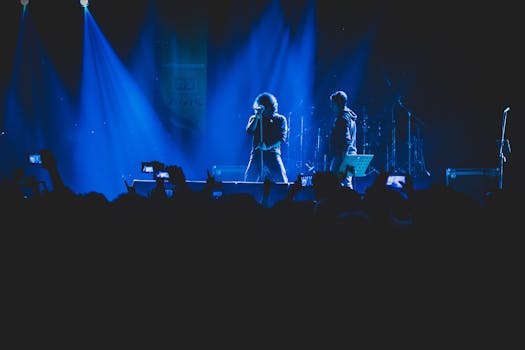
AI Music Video · MV Type

    Create Concert with AI

    Upload your audio and Tunee generates Concert-style music videos with arena concert — no design tools, no rendering software needed.

    arena concertmassive stage productionlight showcrowd scaleepiclive
    Concert
    01
    Upload your track
    MP3 · WAV · AAC · AIFF · up to 20 MB

    02
    Describe your vision
    Or go One-Click — AI writes the brief
    Arena concert with 50,000 fans, massive LED stage backdrop…

    03
    Your video is ready
    AI generates in ~90 s · every format included
    Generating…
    0:47
    4K16:99:161:1MP4
    Visual Examples

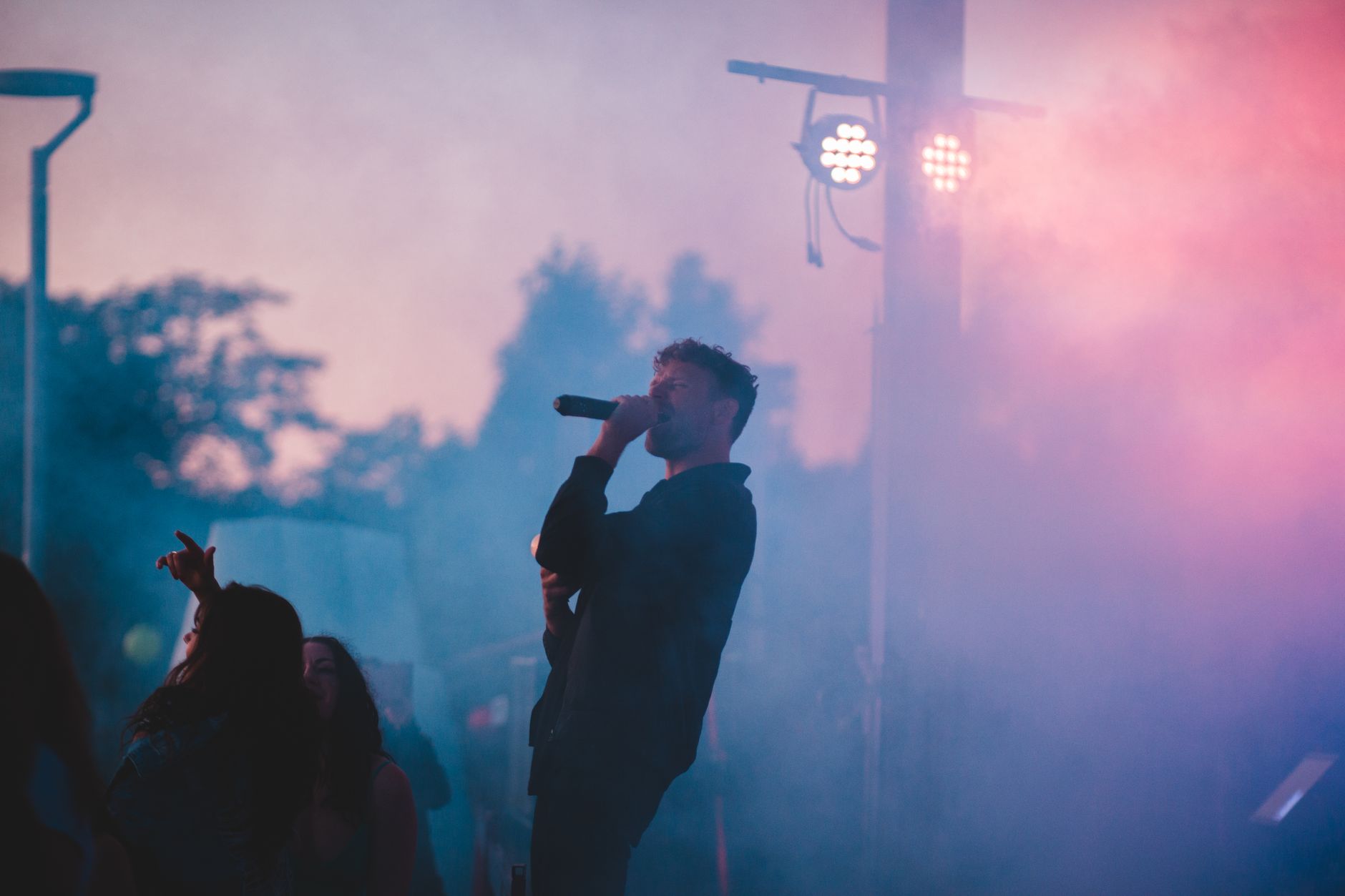
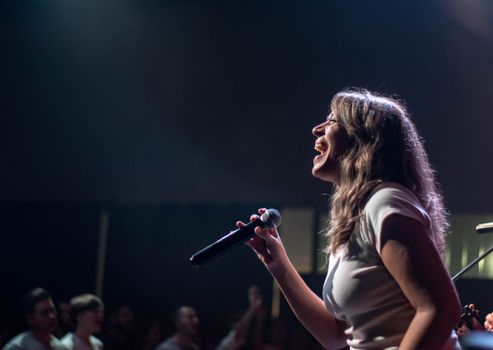
    Frame previews from AI Concert music videos

    Single frames pulled from AI-generated music videos — a glimpse of the Concert visual style Tunee creates from your audio, no camera or crew needed.
    ABOUT CONCERT MV

    Concert videos rise or fall on the cut

    01

    What concert video is

    Concert MV is a specific format: multi-camera live performance, cut to the song, intercut between wide stage shots, tight artist coverage, crowd reaction, and lighting-rig hero shots. The defining genre constraint is that the music is the real recording and the visual has to match its energy beat-for-beat. The cut is everything - most concert videos that feel flat are shot fine and edited badly, holding wide shots through choruses where the artist needs to be tight.

    02

    When to use it

    Concert MV is the right format when the artist's live presence is the brand (Tame Impala, Phoebe Bridgers, Beyonce), when releasing a tour film, when a venue or festival is itself a draw (Glastonbury Pyramid Stage, Red Rocks, NPR's Tiny Desk series). The director canon is small: Jonathan Demme defined the form with Talking Heads' Stop Making Sense (1984), Sam Wrench directed Taylor Swift's Eras Tour theatrical, Ed Burke directed Beyonce's Homecoming for Netflix, Spike Lee shot Aretha's Amazing Grace footage. Recent examples: Billie Eilish's Live at the O2, anything Boiler Room has shot in the last decade. It's also the most-used format for K-pop fancams.

    03

    Tunee prompting tip

    Specify the venue scale and lighting style: 'small club, single follow-spot, deep shadow around audience' versus 'arena scale, full LED wall behind artist, lasers in haze'. Name the camera count and angles: 'three-camera coverage: wide stage, tight artist face, crowd hands-up'. Add 'beat-cut on snare hits, every 1-2 seconds in chorus, longer holds in verse' for the edit pacing. Tunee can generate the cut rhythm if you describe it.

    Ready-to-Use Prompts

    Concert music video prompts — copy & generate

    Each prompt is crafted for Concert aesthetics. Paste into Tunee, hit generate — your concert music video is ready in seconds.

    Opening Scene

    Arena concert with 50,000 fans, massive LED stage backdrop, pyrotechnics, confetti cannons, broadcast quality multi-cam. Wide establishing shot, slow push-in. Epic lighting — golden edges, deep contrast centre. Arena concert fills the background. Beat drop triggers a hard cut to a new angle.

    Performance Section

    Live energy: artist surrounded by massive stage production. Epic atmosphere. Jump-cut on every beat — fast in the hook, slow in the bridge. End frame: single spotlight, arena concert fading to black.

    Abstract Outro

    Time-lapse: massive stage production evolves raw→refined over the track. Visual pace mirrors energy. Energetic tones warm to epic by the outro. One continuous morph — no cuts.

    Quick-copy prompts

    A epic scene with arena concert and sweeping camera movements, bathed in dramatic lighting that pulses with the beat

    Artist immersed in massive stage production, live energy radiating through every frame and cut of the video

    Abstract light show morphing and flowing in slow motion, capturing the epic essence of the music perfectly

    Close-up shots of arena concert dissolving into crowd scale, creating a live visual journey that follows the song's rhythm

    Wide establishing shot of a energetic environment with massive stage production in the foreground, evoking a deep emotional resonance

    How Creators Use It

    How creators use Tunee's Concert music video generator

    From release day to full content calendars — real ways people ship concert music videos with Tunee.

    Zero lead time
    Release day
    Upload your single, describe the concert aesthetic, and have a visual ready before the drop.
    Post more, spend less
    Content calendar
    Turn every track into a concert visual — build a consistent catalog without a production budget.
    All platforms at once
    Social formats
    Export 9:16 for TikTok, 16:9 for YouTube, 1:1 for Instagram — one generation, every format covered.
    Who Uses This

    Who Uses This

    Musicians & Artists
    Touring artists need Concert music videos to visually define their artistic identity, grow their fanbase, and stand out on streaming platforms.
    Content Creators
    Arena bands use Concert music video aesthetics to build a distinctive visual brand that drives engagement and attracts collaboration opportunities.
    Labels & Managers
    Record labels rely on fast, professional Concert music video production to promote new releases cost-effectively across all digital channels.
    Brands & Advertisers
    Brands and advertisers use Concert music video aesthetics to create epic campaign content that resonates emotionally with their target audience.
    FAQ

    Concert music video generator — common questions

    Can I create a Concert music video without any video editing experience?
    Yes — Tunee's AI handles all the video production automatically. Just upload your audio or enter a text prompt, choose a Concert style, and the AI generates your video in minutes.
    Does it support exporting Concert music videos in 4K resolution?
    Absolutely. Tunee exports Concert music videos in up to 4K resolution, making them ready for YouTube, streaming platforms, and large-screen displays.
    Does it work with any genre of music, or only Concert?
    Tunee supports a wide range of genres and visual styles beyond Concert. You can generate music videos for pop, hip-hop, classical, and dozens of other styles using the same platform.
    How do I add lyrics or subtitles to my Concert music video?
    Tunee offers built-in lyric and subtitle overlay options. Simply enter your lyrics and choose a text style, and the AI will sync them to your Concert music video automatically.
    Can I generate multiple versions of a Concert music video to compare?
    Yes. You can generate several variations of your Concert music video using different prompts or style settings, then select the version that best fits your vision.

    Ready to create your music video?

    Join thousands of artists creating stunning videos with AI.

    Try It Now