AI Music Video · Platform

    Make AI Music Videos for X / Twitter

    Upload your track, pick a style, and Tunee generates a perfectly formatted X / Twitter music video — ready to upload in minutes.
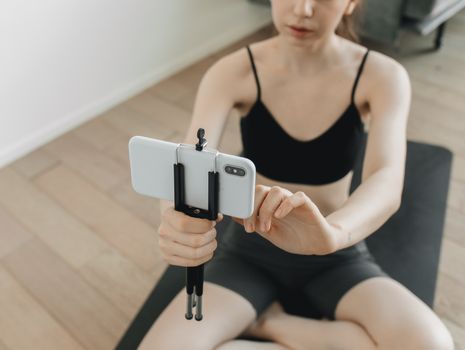
    2:20 max lengthattention-grabbing openingshare-bait momentstext overlay safeshareableconversation-starting
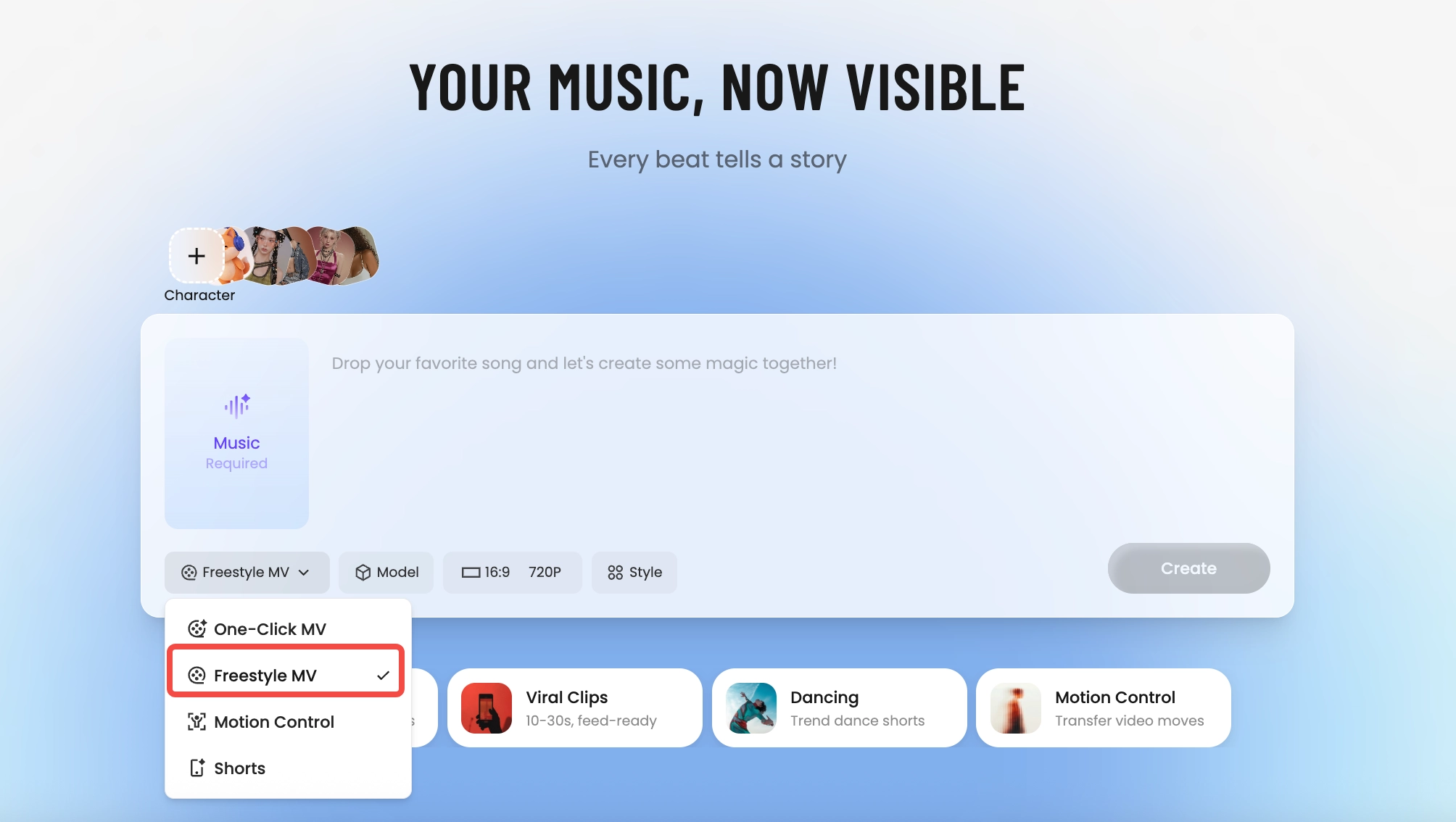
    Tunee AI music video producer — pick One-Click MV, Freestyle MV, Motion Control, or Shorts
    How It Builds

    How Tunee's AI music video producer works

    Four AI agents collaborate to turn your audio into a finished music video — you pick the moment and the direction, Tunee handles the rest.
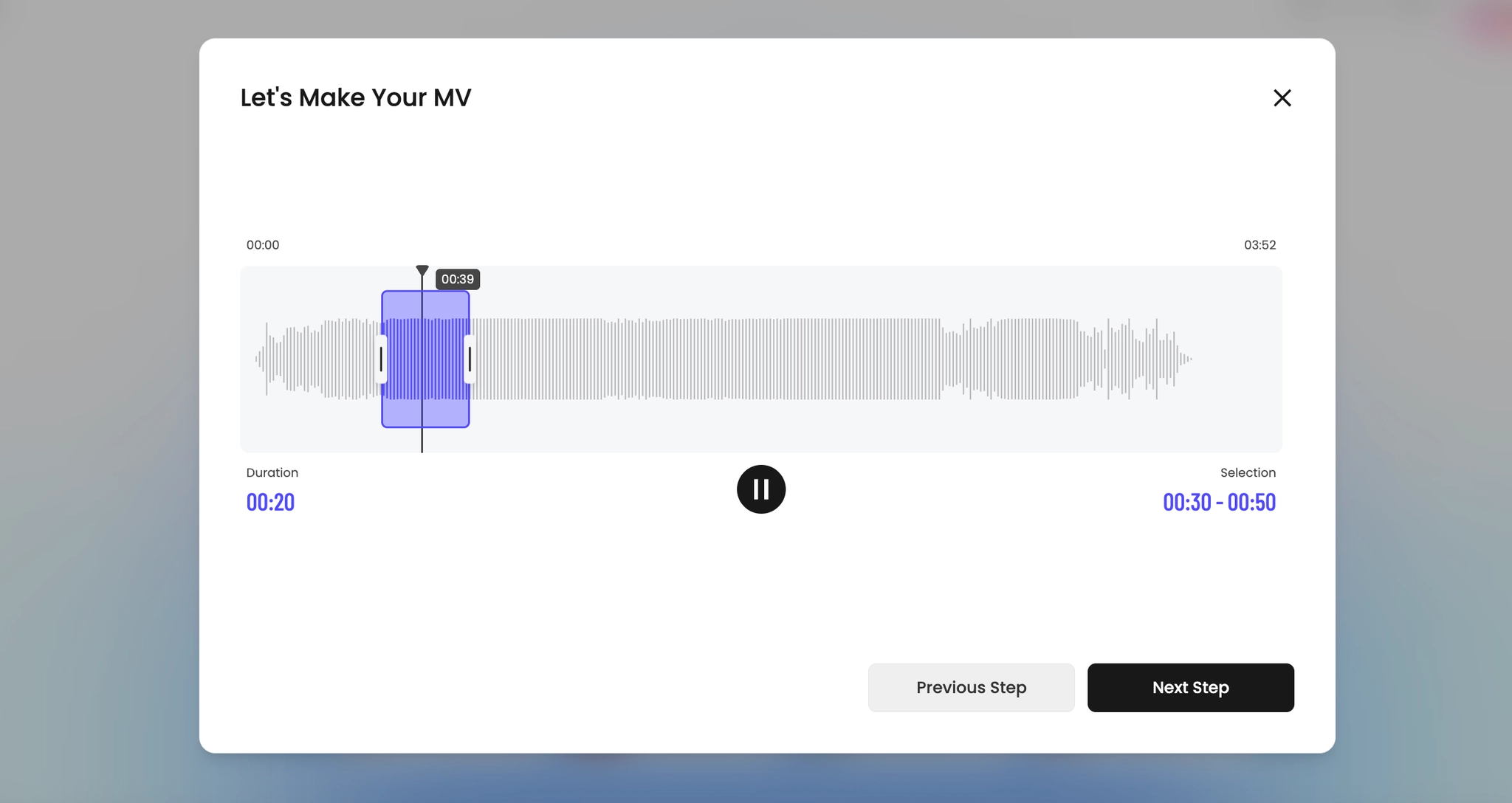
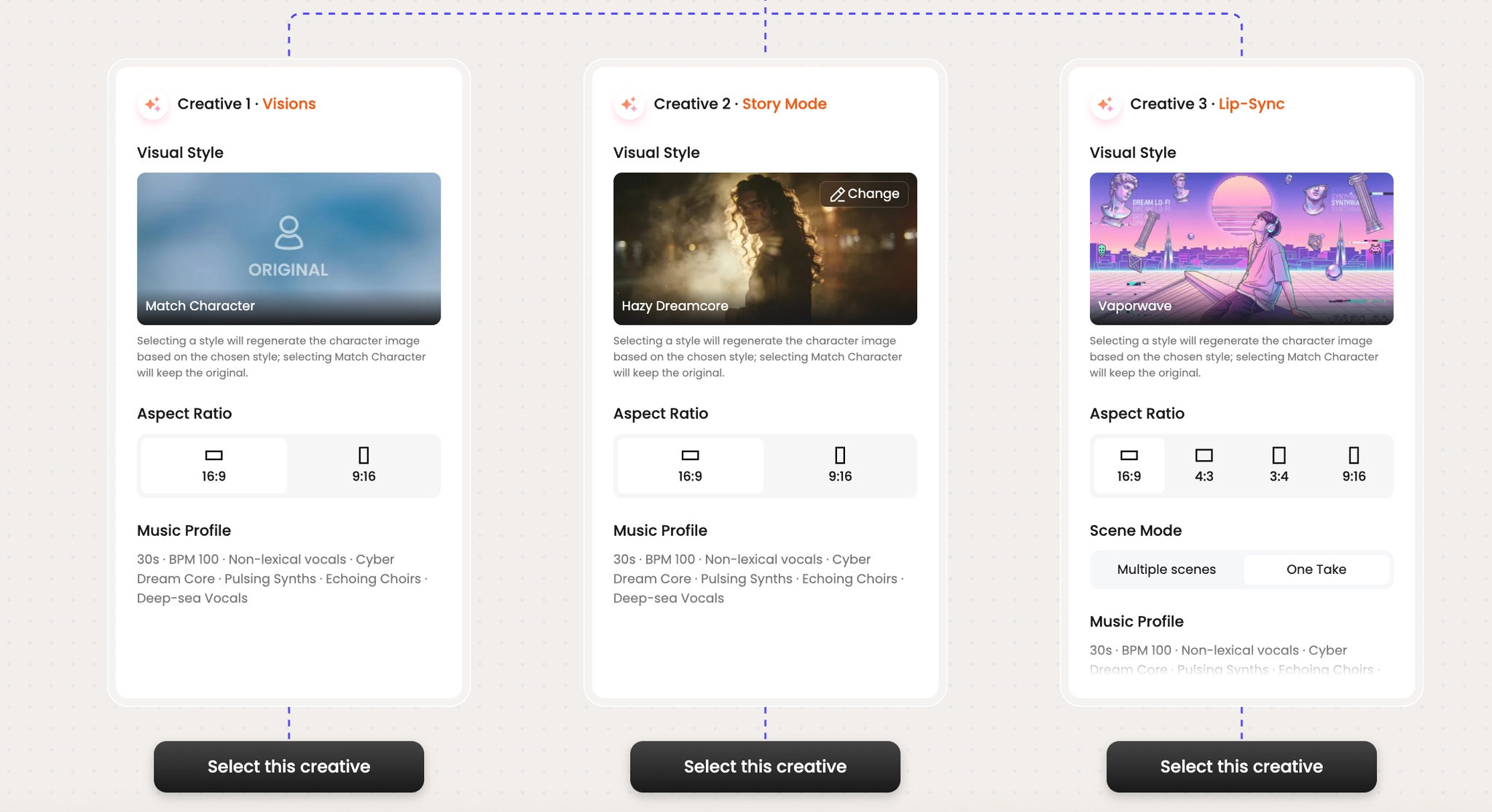
    Pick the moment
    01
    Pick the moment
    Drop your track and trim the segment that becomes your video. Tunee detects energy, key, and tempo automatically.
    Choose a creative direction
    02
    Choose a creative direction
    Browse three AI-suggested visual treatments. Pick a vibe, lock the aspect ratio, and you're set.
    AI generates the visuals
    03
    AI generates the visuals
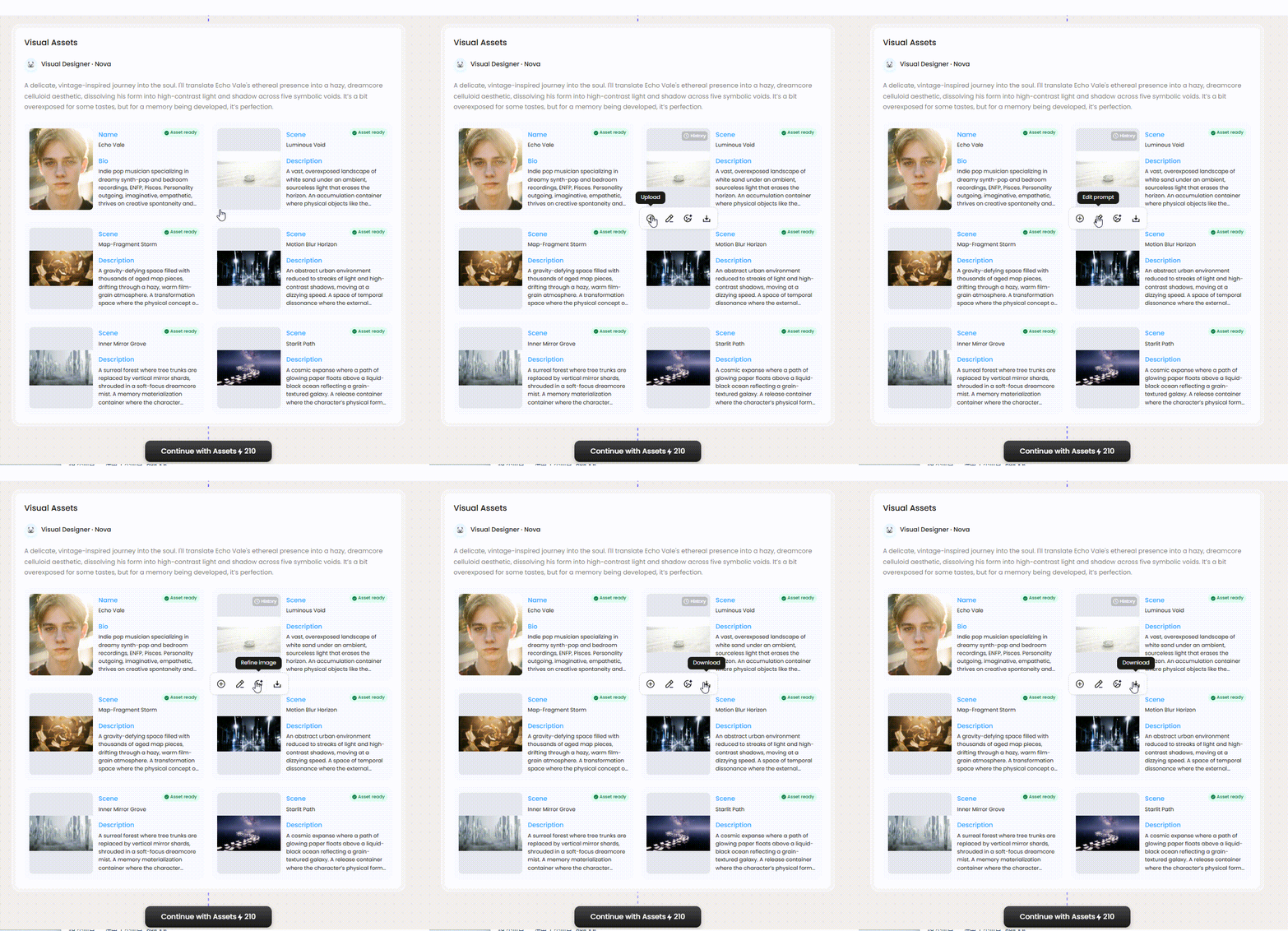
    Tunee's Visual Designer Nova spins up the cast and the scenes that fit your sound.
    AI builds the storyboard
    04
    AI builds the storyboard
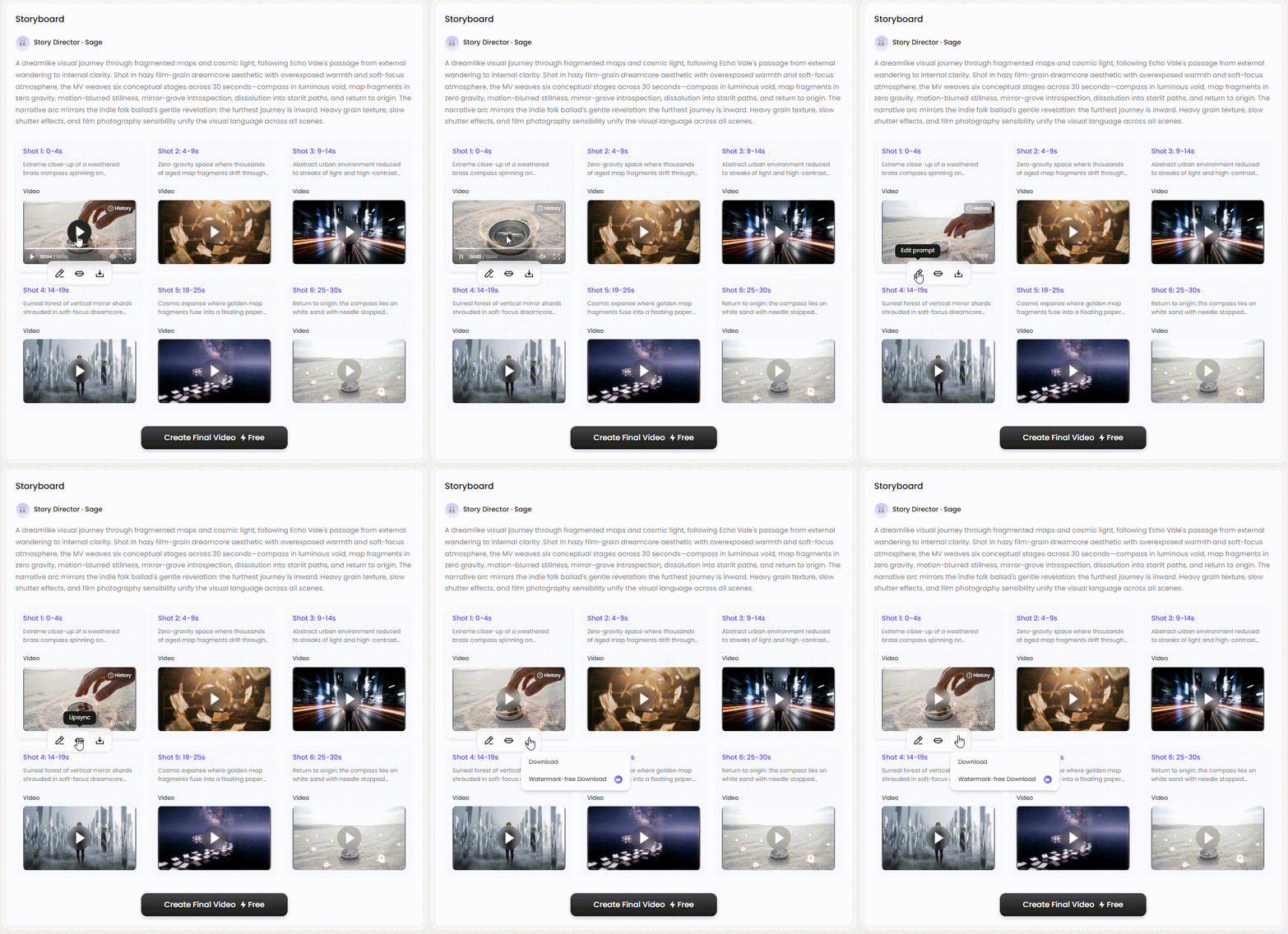
    Story Director Sage cuts the timeline shot-by-shot and renders every format you need.
    Visual Examples

    Frame previews from AI X / Twitter music videos

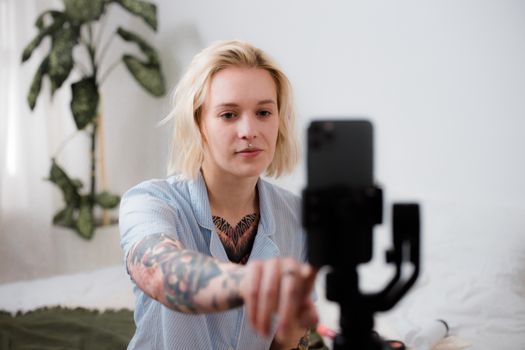
    Single frames pulled from AI-generated music videos — a glimpse of the X / Twitter visual style Tunee creates from your audio, no camera or crew needed.

    How It Works

    How to make a X / Twitter music video with AI — 3 steps

    No editing software, no camera crew. Just your music and a prompt.

    01 — Upload
    Upload Your Track
    Drop your MP3, WAV, or AAC — Tunee detects tempo, key, and energy automatically.
    02 — Configure
    Describe Your Vision
    Type a prompt or choose One-Click MV — AI generates your storyboard instantly.
    03 — Export
    Export Your Video
    Review, approve, and export up to 4K MP4 in 16:9, 9:16, or 1:1.
    Ready-to-Use Prompts

    X / Twitter music video prompts — copy & generate

    Each prompt is crafted for X / Twitter aesthetics. Paste into Tunee, hit generate — your x / twitter music video is ready in seconds.

    Platform Hook — X / Twitter

    16:9 landscape frame. Hook in the first 3 seconds: tight close-up of 2:20 max length, hard cut to the artist on the beat drop. Shareable grade, high contrast. Text overlay at the chorus — clean sans-serif, bottom third. Runtime: 30–45 s.

    Trending X / Twitter Aesthetic

    Conversation-starting visual style built for X / Twitter — attention-grabbing opening in the background, transitions locked to every 4-beat phrase. Fast cuts on the hook, one slow-motion beat mid-song for emotional impact. Designed to hold watch-time past 50%.

    Performance Cut for X / Twitter

    Artist-forward 16:9 landscape — 2:20 max length surrounding the performer, camera movement synced to rhythm. Viral lighting, no overlays — pure energy. Optimised for full-screen mobile, shareable to Stories and Reels.

    Quick-copy prompts

    A shareable scene with 2:20 max length and sweeping camera movements, bathed in dramatic lighting that pulses with the beat

    Vertical close-up shot immersed in attention-grabbing opening, conversation-starting energy radiating through every frame and cut of the video

    Abstract share-bait moments morphing and flowing in slow motion, capturing the shareable essence of the music perfectly

    Close-up shots of 2:20 max length dissolving into text overlay safe, creating a conversation-starting visual journey that follows the song's rhythm

    Wide establishing shot of a viral environment with attention-grabbing opening in the foreground, evoking a deep emotional resonance

    How Creators Use It

    How creators use Tunee's X / Twitter music video generator

    From release day to full content calendars — real ways people ship x / twitter music videos with Tunee.

    Release day ready
    Promote a new release
    Turn your single into a X / Twitter-ready visual in minutes. Upload, prompt, export — formatted perfectly for the platform.
    Content at scale
    Grow your presence
    Consistent music video content without a production budget. More posts, more reach, same quality every time.
    Recognizable identity
    Build a visual brand
    Give your music a signature look on X / Twitter. Fans recognize your style before they see your name.
    Who Uses This

    Who creates X / Twitter content with Tunee

    Independent Artists
    Independent musicians use X / Twitter to maximize reach on the platform, ensuring their content meets format requirements and captures attention instantly.
    X / Twitter Content Creators
    Twitter/x musicians rely on perfectly formatted X / Twitter content to boost algorithmic visibility and grow their following with every upload.
    Labels & Management
    Record labels batch-produce platform-optimized X / Twitter videos for their full roster, cutting turnaround time from weeks to hours.
    Marketing Teams
    Brands running paid and organic campaigns on this platform use Tunee to produce scroll-stopping X / Twitter video ads at scale.
    FAQ

    X / Twitter music video generator — common questions

    Can I create a X / Twitter music video without any video editing experience?
    Yes — Tunee's AI handles all the video production automatically. Just upload your audio or enter a text prompt, choose a X / Twitter style, and the AI generates your video in minutes.
    Does it support exporting X / Twitter music videos in 4K resolution?
    Absolutely. Tunee exports X / Twitter music videos in up to 4K resolution, making them ready for YouTube, streaming platforms, and large-screen displays.
    How do I customize the visual style of my X / Twitter music video?
    You can guide the visuals using text prompts that describe scenes, moods, and settings. Tunee's AI interprets your input and generates 2:20 max length-inspired visuals that match your X / Twitter aesthetic.
    Does it work with any genre of music, or only X / Twitter?
    Tunee supports a wide range of genres and visual styles beyond X / Twitter. You can generate music videos for pop, hip-hop, classical, and dozens of other styles using the same platform.
    How do I add lyrics or subtitles to my X / Twitter music video?
    Tunee offers built-in lyric and subtitle overlay options. Simply enter your lyrics and choose a text style, and the AI will sync them to your X / Twitter music video automatically.

    Ready to create your music video?

    Join thousands of artists creating stunning videos with AI.

    Try It Now